

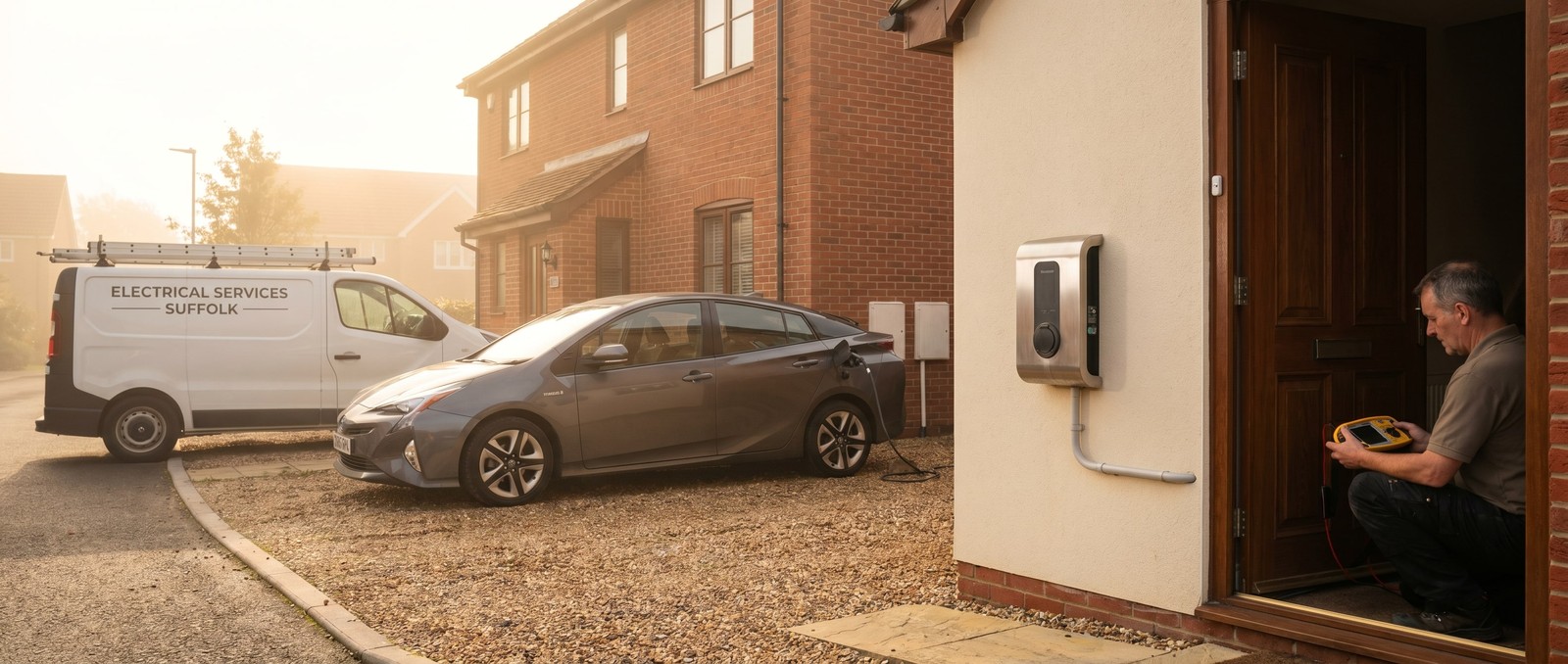
Software for UK EV charge-point installers
EVHS portal eats half a day per install. The install itself takes three hours.
The actual install is the easy bit. Two hours wiring, a meter tail, the unit, the load curtailment, the smart-meter handshake, the homeowner walkthrough. Then you sit in the van for another two hours filling in the OZEV portal - photos at the wrong angle, the smart-functionality form, the DNO G98 confirmation, the homeowner consent, the grant claim - and three weeks later half of it comes back rejected and you do it again.
This page is for the sparkies whose week is mostly EV: domestic Workplace / EVHS installs, post-EVHS private installs where the customer’s chasing a grant they may or may not be entitled to, and the bigger jobs where you’re the OZEV-approved installer on a fleet rollout. If your work is mostly EICRs with the odd EV bolt-on, the main electricians page or the EICR specialist page will fit better.
What your install day actually looks like
- The two-hour install, then the two-hour portal upload.
- OZEV / EVHS submission rejected because the photo angle was wrong, or the smart-meter serial wasn’t legible, or the DNO confirmation hadn’t come back yet.
- G98 / G99 notification to UKPN / SSEN / Northern Powergrid that you’ve sent twice and they say they haven’t received.
- The homeowner ringing because their grant hasn’t been paid - and you’re not the one paying it.
- Manufacturer-approval refresher courses that don’t sync with the actual install calendar.
- A customer load-balancing question (solar export, off-peak, battery) that turns into a half-hour phone call.
- Three rejection emails from different portals in one afternoon, each with a different fix.
- The fleet job where the procurement contact wants a Gantt chart and the site contact wants you on site Tuesday.
The portal is the bottleneck, not the wiring.
Example problems we could solve
1. The install-day photo capture app
The wrong-angle moment: photos taken on site that don’t match what the portal wants, found out three weeks later when the submission gets rejected.
Solved looks like: a small phone app you open on the job that walks you through the photo set the OZEV / EVHS portal wants, in the order it wants them - earth electrode, meter position, consumer unit, smart-meter serial, charger model plate, completed install, distance markers - each with a sample shot from a past successful submission. The app refuses to let you submit a job until the set is complete. Photos upload to your own storage automatically; nothing has to go through the homeowner’s wi-fi.
2. Portal submission tracker - submitted through to grant-paid
The “where’s my grant” moment: you submit, then it goes into the void, then the homeowner rings asking where their money is.
Solved looks like: every install has a row, and the row moves through Submitted → Queried → Approved → Grant paid → Closed on its own, with the date of each transition logged. The homeowner gets an SMS at each step so they stop ringing - “OZEV approved on Tuesday, grant typically lands in 4-6 weeks, we’ll let you know.” The status updates come from the portal where it sends emails (we read those in) and from a quick check-in form you fill in once a week for the rest. When something stalls, you see it on one screen instead of buried in three different inboxes.
3. The DNO notification ledger
The “we haven’t received it” moment: “G98 to UKPN four times. They say they haven’t received it. Customer’s getting frustrated.”
Solved looks like: a ledger of every DNO notification you’ve sent - what was sent, when, to whom, what came back, when the acknowledgement landed. Reminders fire at 7 / 14 / 28 days if there’s no acknowledgement. When the homeowner asks why their export limit hasn’t been raised, you’ve got the audit trail to point at. If there’s ever a dispute, the record is there. We can’t plug directly into the DNO portals (no stable interfaces); we make sure your side of the conversation is bullet-proof.
4. The homeowner-handover pack
The “how do I set off-peak” moment: customer rings two months later asking how to set off-peak charging, or whether their solar exports through it, or what to do about the load-curtailment indicator.
Solved looks like: a one-page handover pack that goes out the day after install - model-specific quick-start, smart-functionality reminders, what the indicator lights mean, off-peak setup walkthrough for the homeowner’s energy tariff, a 60-second Loom from you showing the unit in their actual house. Plus a searchable FAQ. The “is it doing what it should?” calls drop a lot. The agent we can put behind it answers the same questions over SMS and web chat without escalating to you - same multi-channel AI agent setup that powers mendbuddy, trained on your own handover content and the unit’s manual.
5. Fleet-job project layer
The 30-bay-rollout moment: procurement contact, site contact, and head-office finance person all want different things.
Solved looks like: a small project surface for the bigger jobs. Each bay is a row: scheduled date, who’s on site, the grant status (commercial schemes are different from domestic), the snag list, the sign-off photos, the invoice slice. Procurement gets a read-only link with the milestone view; site contacts get the day’s schedule; you get one place to run the whole rollout from. Doesn’t replace your project-management tool if you’ve got one - it sits on top, just for the install side.
The closest things we’ve already built
- Storytimebakerour own cross-platform iOS / Android app + backend. The install-day photo capture app in problem 1 is the same shape: phone-first capture with structured fields and a tightly-scoped server side. See /case-studies/storytimebaker.
- mendbuddyour multi-channel AI agent. The handover-pack agent in problem 4 is a configuration of the same setup, trained on your handover content. See /case-studies/mendbuddy.
- HC Electricalthe electrician we built and run software for in Haverhill. EV is one of HC’s headline services, so the website + operational-layer pattern transfers cleanly. See /case-studies/hc-electrical.
FAQ
Will you submit to OZEV / EVHS on my behalf?
No. The portal is operator-side and the indemnity sits with you as the OZEV-approved installer. We make sure the photo set is right before you submit, then track the submission through to grant paid. The submit click is still yours.
The portal rules change every year - how does that work on the retainer?
That’s exactly what the retainer is for. We watch the rules, update the reference photo set and the form fields and the prompts in the capture app, and push the change in a maintenance window. You don’t rebuild - you keep working.
What about MCS for solar + battery?
If you do solar / battery alongside EV, the same submission-tracker shape works - see the MCS installers page for the MCS-specific version.
What does it cost?
Sized to your business - depends on install volume, whether you want the homeowner-handover agent, whether you do fleet work. Send an enquiry; we’ll come back with a sketch and a price in writing. See pricing.
Can the homeowner-handover agent quote for new installs too?
Yes - once trained on your pricing and your scope rules. The conversation goes from “is my unit doing the right thing” to “my neighbour wants one too, what’s the quote” without you picking up the phone. Same mendbuddy shape, broader configuration.
Up to the hub
← UK electricians (main page) · EICR specialist → · Commercial / CIS → · MCS installers →
Tell us about your install volume
How many installs a week, which portals you submit to most, what’s currently eating your time. Send an enquiry - we’ll come back with a sketch.